- 1Key Takeaways
- 2Table of Contents
- 3What is Midjourney for Web Design?
- 4How AI Automation Works in UI/UX
- 5Top Midjourney Web Design Use Cases
- High-Fidelity Client Pitches
- Custom Illustration and Photography
- Generating Textures and Backgrounds
- 6Real-World Agency Case Studies
- Case Study: The Boutique Design Agency
- Case Study: The Solo Freelancer
- 7Pros & Cons of AI in Web Design
- 8Comparison Table: AI vs. Traditional Prototyping
- 9Expert Insights
- 10Frequently Asked Questions (FAQ)
- 11Conclusion
Key Takeaways
- Rapid Prototyping: Midjourney can generate stunning, high-fidelity website layout concepts in less than 60 seconds.
- Custom Asset Creation: Designers generate unique icons, textures, and background images, eliminating the need for expensive stock photo subscriptions.
- Overcoming Creative Block: AI serves as the ultimate mood board, instantly visualizing complex design ideas to present to clients.
- Client Alignment: Presenting beautiful AI mockups early in the discovery phase ensures the client and designer agree on the visual direction before a single line of code is written.
What is Midjourney for Web Design?
Historically, the initial phase of web design involved wireframing gray boxes in Figma, scrolling through endless Dribbble portfolios for inspiration, and spending hours searching for the perfect stock photos. Midjourney has completely shattered this traditional workflow.
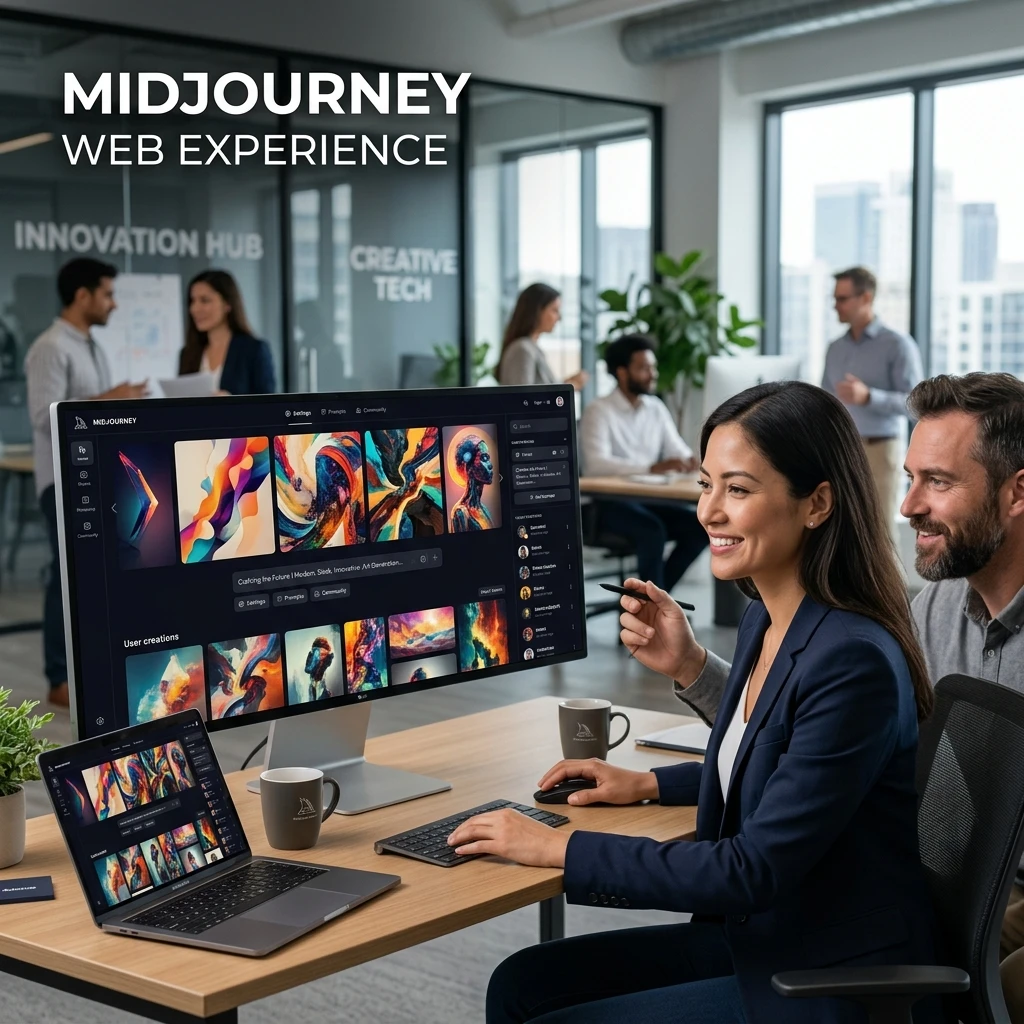
Midjourney is a generative AI program that converts text prompts into breathtakingly detailed images. For AI Business leaders and UI/UX designers, it acts as a high-speed concept engine. It doesn’t write the HTML or CSS, but it generates the visual blueprint, allowing designers to establish the color palette, typography vibe, and structural layout at unprecedented speeds.
How AI Automation Works in UI/UX
Using Midjourney in a professional web design workflow requires highly specific “prompt engineering” to get usable UI results:
1. Concept Generation: A designer prompts Midjourney with specific parameters: “UI/UX design of a luxury real estate landing page, dark mode, gold accents, modern typography, 8k resolution, clean interface –ar 16:9”.
2. Asset Extraction: Midjourney outputs four stunning concepts. The designer selects the best one, scales it up, and imports the image into an editing tool like Photoshop or Figma.
3. Execution: The AI image serves as a reference. The designer traces the grid, extracts the hex color codes, and rebuilds the interface into functional, interactive UI components in Figma.
[!TIP]
Prompting Tip: When prompting for web design, always include terms like
UI/UX,landing page layout,vector graphics, and specify your aspect ratio with--ar 16:9to get a desktop monitor shape.
Top Midjourney Web Design Use Cases
High-Fidelity Client Pitches
Instead of pitching a client with generic gray wireframes (which clients often struggle to visualize), agencies use Midjourney to generate highly polished “mood concepts.” Presenting three distinct, beautiful visual directions on day one wins client trust and dramatically speeds up the approval process.
Custom Illustration and Photography
Finding cohesive stock photos for a brand is difficult. Midjourney allows designers to generate a complete suite of custom photography or 3D illustrations that perfectly match the brand’s exact color palette and artistic style, ensuring absolute visual consistency across the entire website.
Generating Textures and Backgrounds
Modern web design relies heavily on subtle background textures, glassmorphism effects, and abstract gradients. Midjourney can generate infinite variations of “abstract dark glowing mesh gradients” in seconds, providing designers with unique background assets that no other website possesses.
Real-World Agency Case Studies
Case Study: The Boutique Design Agency
The Challenge: A boutique agency was pitching a rebrand and website redesign to a major high-end restaurant chain. They only had 48 hours to prepare the pitch deck.
The AI Solution: The lead designer used Midjourney to generate 15 cinematic, high-end website concepts featuring AI-generated images of luxury cuisine and dark-mode UI.
The Result: The client was blown away by the “finished” look of the concepts. The agency won the $50,000 contract against three larger competitors simply because their AI-assisted visual presentation was infinitely superior.
Case Study: The Solo Freelancer
The Challenge: A freelance web designer was struggling with profitability because they spent an average of 5 hours per project just searching for suitable stock photos and vector icons.
The AI Solution: They canceled their stock photo subscription and mastered Midjourney prompt engineering to create custom assets on demand.
The Result: The designer saved $1,200 a year in stock subscriptions and reduced asset-hunting time to 30 minutes per project, significantly increasing their hourly profit margin.
Pros & Cons of AI in Web Design
Pros:
- Eliminates “blank canvas syndrome” and accelerates the ideation phase.
- Produces 100% unique, royalty-free assets tailored to the exact brand.
- Allows non-illustrators to create highly complex 3D graphics and art.
Cons:
- Midjourney generates flat images; it does not output layered Figma files or code.
- AI cannot read text well, so the “text” on the generated UIs is usually illegible gibberish.
- Requires skill to translate a flat AI concept into a functional, responsive web design grid.
Comparison Table: AI vs. Traditional Prototyping
| Feature | Traditional Web Design | Midjourney-Assisted Design |
|---|---|---|
| Initial Concepts | Low-fidelity gray wireframes | High-fidelity photorealistic layouts |
| Ideation Time | Days of brainstorming | Minutes of prompting |
| Asset Sourcing | Expensive, generic stock photos | Custom, instant AI generation |
| Client Approval | Difficult (clients can’t visualize wireframes) | Easy (clients see the “final” vision immediately) |
Expert Insights
“Midjourney is not a web designer. It is the web designer’s muse. It provides the visual spark, but it still takes a skilled human to take that beautiful JPEG and turn it into an accessible, responsive, and converting user interface.” — Himanshu, Senior AI Automation Engineer
Frequently Asked Questions (FAQ)
Can Midjourney export my design to HTML/CSS?
No. Midjourney only produces flat image files (PNG/JPG). To turn an AI design into a working website, you must manually rebuild the components in a design tool like Figma, and then code it or use a website builder like Webflow.
Are Midjourney images copyrighted?
Under current US copyright law, purely AI-generated images cannot be copyrighted. However, you are free to use them commercially in your web design projects without paying royalties.
What is the best alternative to Midjourney for UI design?
While Midjourney is unmatched for artistic quality, tools like Relume AI or Framer AI are better suited for actually generating functional UI components and wireframes that can be published directly to the web.
Conclusion
The role of the web designer is evolving rapidly. By incorporating Midjourney into the creative workflow, UI/UX professionals are bypassing the most tedious aspects of ideation and asset hunting. AI empowers designers to deliver breathtaking, highly custom visual experiences at unprecedented speeds. To stay ahead of the curve and explore more revolutionary software, dive into our AI Tools repository today.